

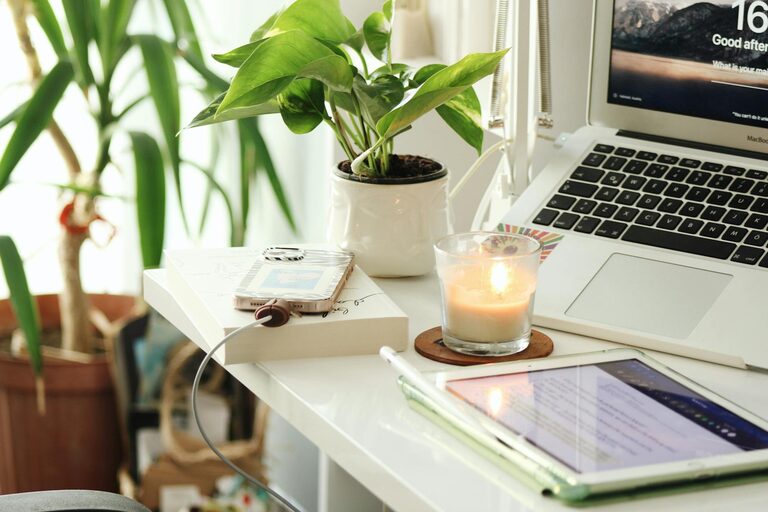
Creating a cozy and productive home office is essential for anyone working from home or managing personal projects. A well-designed space not only supports focus and efficiency but also makes working more enjoyable. Here are some practical tips to help you craft a home office that balances comfort and functionality.
Choose the Right Location
Find a Quiet Spot
Select a part of your home that is calm and away from distractions. If possible, avoid high-traffic areas or places with a lot of noise to help maintain concentration.
Consider Natural Light
Set up your desk near a window to enjoy natural light, which can improve mood and reduce eye strain. If natural light is limited, invest in good quality, adjustable lighting to brighten your workspace.
Invest in Comfortable Furniture
Ergonomic Chair and Desk
Comfortable seating is crucial since you may spend several hours sitting. An ergonomic chair supports your back and promotes good posture. Similarly, choose a desk at the right height to avoid strain.
Add Personal Touches
Decorate your space with things that make you feel relaxed and inspired. This could include artwork, plants, or meaningful objects without cluttering the desk.
Organize Efficiently
Use Storage Solutions
Keep your workspace tidy with shelves, drawers, or containers. Organizing supplies and documents helps reduce stress and saves time looking for items.
Minimize Clutter
Only keep essential items on your desk. A clear workspace encourages focus and prevents distractions.
Enhance Comfort and Atmosphere
Control Temperature and Ventilation
Make sure the room is well-ventilated and maintain a comfortable temperature. A stuffy or too cold environment can affect your ability to work effectively.
Incorporate Cozy Elements
Add soft textiles like cushions, a blanket, or a rug to make the space inviting. Small touches like these can improve your comfort during long work sessions.
Optimize Technology Setup
Invest in Reliable Equipment
Ensure your computer, internet connection, and peripherals are reliable and fast enough for your work needs. Technical glitches can disrupt productivity.
Position Screens Properly
Place your monitor at eye level and at a comfortable distance to avoid neck strain and eye fatigue. Use adjustable stands if necessary.
Establish a Work Routine
Set Boundaries
Define your work hours and communicate them to household members to limit interruptions. A routine helps your mind transition into “work mode.”
Take Regular Breaks
Schedule short breaks to stretch or relax. Taking time away from the screen improves focus and reduces fatigue.
Add Inspiration and Motivation
Use Vision Boards or Quotes
Display motivational quotes or images that inspire you. These visual reminders can boost your energy and creativity.
Incorporate Plants
Adding greenery can improve air quality and create a calming effect. Choose low-maintenance plants suitable for indoor environments.
Maintain Your Space
Regular Cleaning and Decluttering
Keep your home office clean and tidy by designating time each week for maintenance. A neat environment supports productivity and well-being.
Adapt as Needed
As your work habits change, don’t hesitate to rearrange or update your space. Flexibility ensures your home office always meets your needs.
—
Designing a cozy and productive home office doesn’t have to be complicated. By focusing on comfort, organization, and a pleasant atmosphere, you can create a space that supports your best work each day. Remember, the key is to make your home office a place where you feel motivated, focused, and comfortable.